Why I built Backup Sorcery
It all started with Autodesk’s announcement that older versions of Revit (2021 and earlier) would no longer be supported by Autodesk Forma (formerly Autodesk Construction Cloud).
The news wasn’t that anything would be deleted, only that it would no longer be possible to work with those older versions in the cloud, worksharing and so on, unless the models were moved to a newer version. And this will happen every year from now on: the window is the current version plus the five before it. But it got me thinking about a few things, first of all the fact that, with projects and files on Autodesk’s cloud, a policy change can lead, from one day to the next, to decisions that affect the storage of thousands and thousands of firms and companies.

Photo by Patrick Robert Doyle on Unsplash
I had never made any proper, well-thought-out backups of my own space, so I started working out how to do it.
The first problem was that I didn’t know exactly how much space each project took up, so planning where to save the data without knowing how much data we were talking about was tricky: a download could stop halfway because the disk ran out of space. If I wanted to move the files to a cloud (S3, Google Drive, Dropbox and so on), I had to pick the right storage tier.
The second was my connection: while I was downloading some projects, the browser download would stall and never finish. Since I started the downloads in the evening to let them run overnight, in the morning I’d find that nothing had been downloaded at all. The other option was Desktop Connector, but I can’t bring myself to trust it for backups.
What it transfers and what it doesn’t isn’t always clear at first glance, so in the end I never know whether I’ve copied everything to my PC or whether some file was left behind. Downloading a project is easy: Autodesk Forma on the web, download on “Project Files” and, if your connection behaves, after a few hours the zip is on your disk. But what about the versions of files and models? Those have to be done one at a time: click the version, download it, click the next version, download it again, and so on.
I have models with more than 100 versions: doing it by hand took forever.
Doing it with Desktop Connector was technically impossible.

Photo by Cooper Hofmann on Unsplash
I looked for a solution and, frankly, found nothing I liked. Besides the fact that every tool I found was paid, some of them simply moved the problem from one cloud to another, backing up only to their own cloud. I remembered that back when I worked at Archea in Florence we had already looked at a few backup tools in 2021, but in the end, partly because the software back then didn’t seem very flexible, nothing was done.
All this made me want to see whether I could write myself a small Python script to do the download through the Autodesk Platform Services APIs, which I had already used for a few small programs over the last two years. Nothing really useful: they were Python scripts written more to learn the platform than to actually use it. Experience that paid off, though. But, as they say, appetite comes with eating, and after a few days of (promising) tests in Python a thought struck me: why not build a sturdier tool in C# that I could actually distribute?
First of all, why C# and not Python?
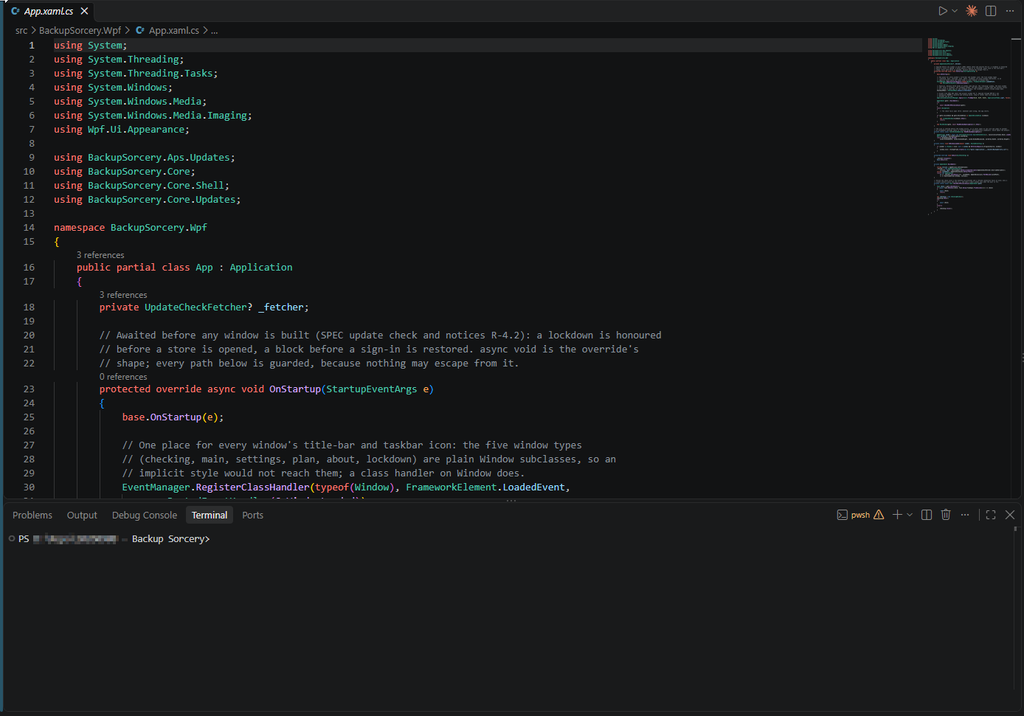
I wanted a tool anyone could use, including people who aren’t comfortable with Python, dependencies, virtual environments and everything else a language like Python brings along. In short, I think many users, especially in small firms (where a free tool like this comes in handy), would have faced too much friction just to get it running.
Then speed. Besides downloading, the tool had to handle partial downloads, hash checks on the files and plenty of other things happening under the hood. The download speed is set by your connection, but for everything happening around it C# gave me more control. Third, a controlled environment, one that doesn’t break when Python gets updated or a library changes version. I see it myself: using Python a lot for personal scripts, I often update the libraries, Python and its whole ecosystem, and scripts from six months ago often stop working. For the important ones I use a virtual environment, but that also takes up a lot of space just to run a script of a few kB. In short, even though I’m a Python fan and use it almost every day, I wanted a sturdier solution with a better UI/UX, one that wouldn’t put up barriers to using the tool.
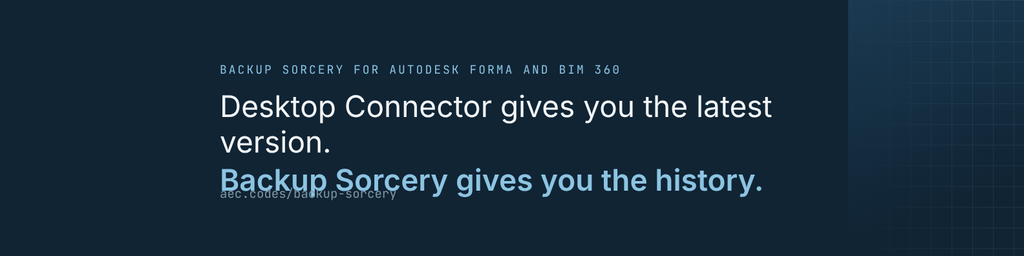
That’s how “Backup Sorcery” was born, a tool for backing up Autodesk Forma hubs. But that’s not all it does: it can also download every version of a file, and that feature alone is enough to show what the tool is for. What took forever by hand, and was impossible with Desktop Connector, is a single checkbox in Backup Sorcery.
That’s how the project came about.
The tool is free and collects no information: the only call it makes to aec.codes is the version check, to let you know when there’s something new. Given all the dragnet data collection websites and apps do these days, I like to point out that we collect no information about your hubs, your projects, your files or how you use the tool. We only send emails about important product updates, especially security updates. No spam. When you register for the download we keep only your email address and a few technical details (date, available version and a shortened IP address, to prevent abuse of the form), as explained in the privacy notice. Nothing passes through our servers; everything stays in your hands. There are no proprietary formats: each project’s manifest, with the SHA-256 hash of every downloaded version, sits in the backup folder. It’s a JSON file you can open even with Notepad (though I’d recommend Notepad++ 🙂 ) and read from top to bottom. The project inventory (the harvest) lives in an SQLite database on your PC, also an open format. In short, since transparency is what I look for when I evaluate the software I use, I like to offer it when I build tools too.
If you’d like to know more, you’ll find it on the website https://aec.codes/ or, if you want to go straight to the presentation, head to https://aec.codes/backup-sorcery/presentation
Feel free to write to me if you’d like more info; an article on how the tool works is coming soon.